

Documents
Moagyeol PDF
Convert HWP and HWPX to PDF, merge PDFs, and compress them on Windows
v1.2.0 · x64 · 26.4 MB

Screenshots
About the app
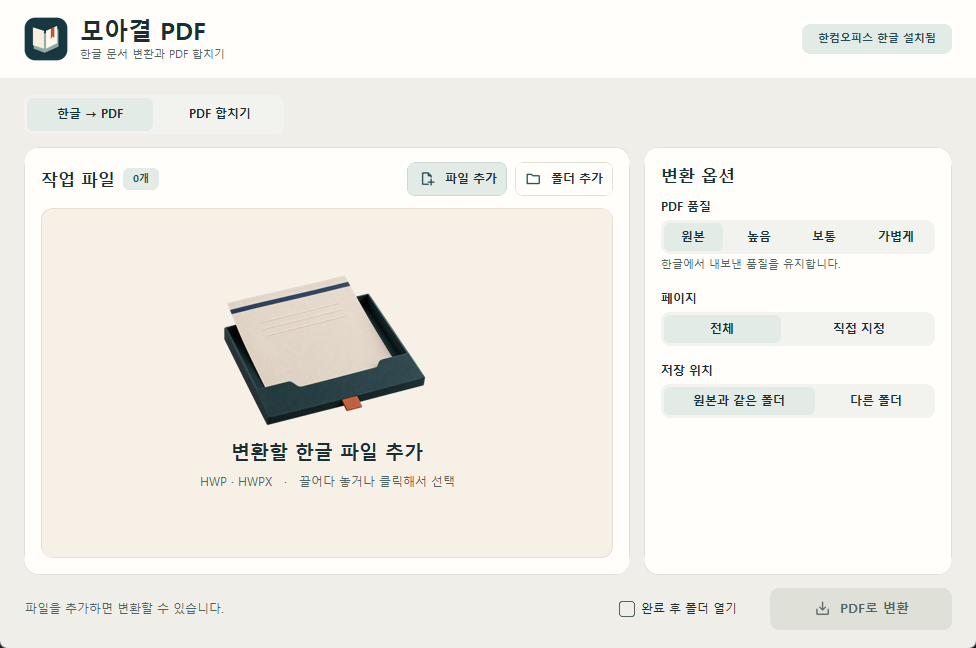
Moagyeol PDF converts HWP and HWPX documents using the copy of Hancom Office Hangul installed on your Windows PC. Choose the pages and image quality, then save the PDFs to the source folder or a folder of your choice.
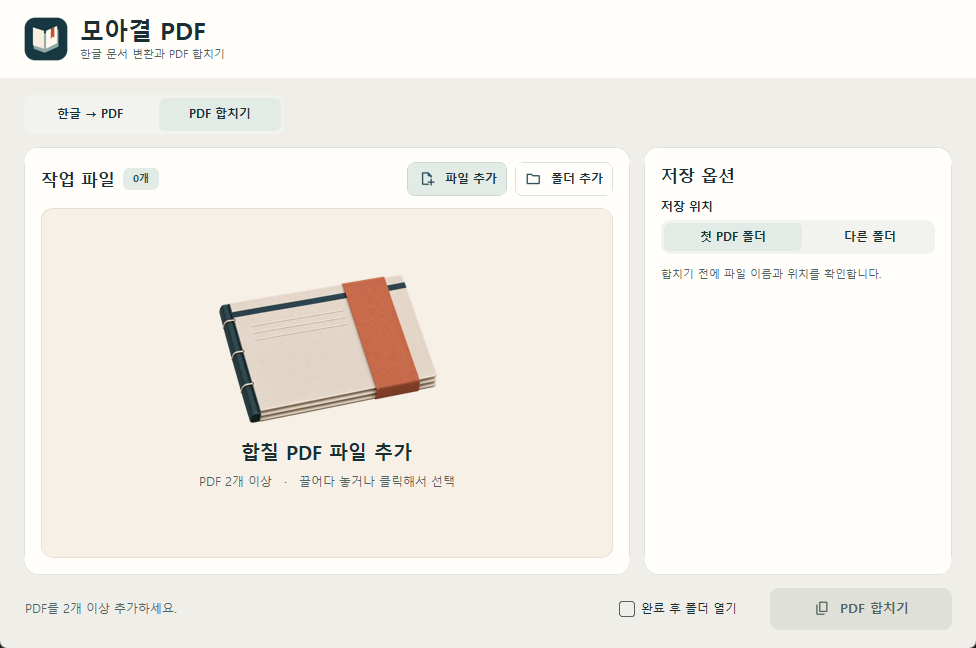
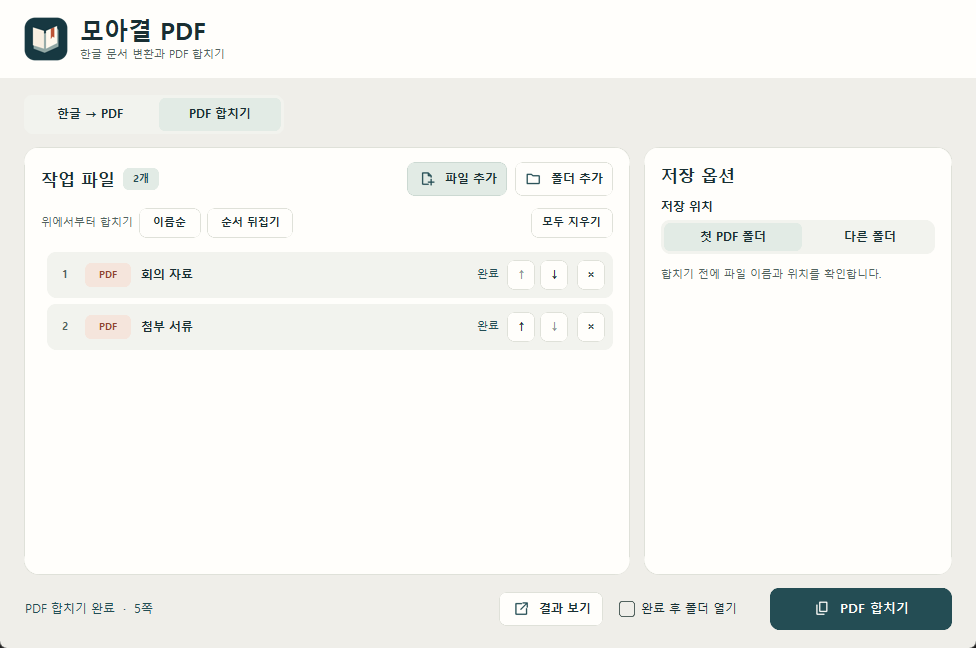
Merge two or more PDF files in the order you choose. The merge tool runs without Hancom Office Hangul. When a destination file already exists, the app saves a new file with a numbered name.
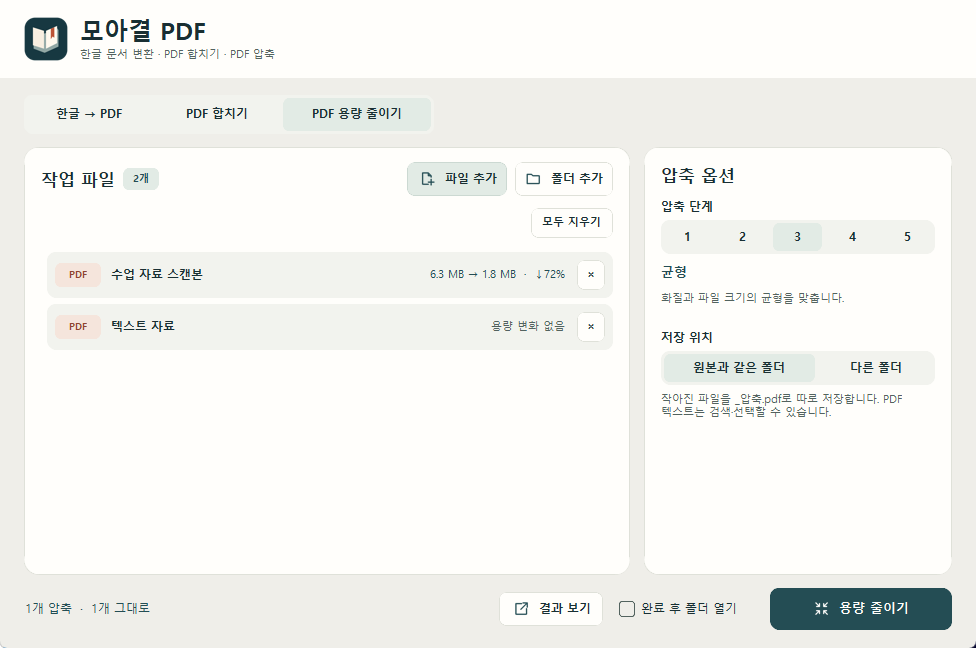
Compress one PDF or a batch with five levels, from lossless to smallest file size. Compare file sizes before and after compression. The app saves smaller copies alongside the originals or in a folder of your choice and keeps PDF text searchable.
Download the ZIP, extract the entire folder, and run 모아결 PDF.exe. The app interface is in Korean.